

Enrich your Data Act Portal with new self-service features for third parties
The EU Data Act requires product raw data to be shared with third parties upon user request.
This scenario is not only considered by the legislation, but it also reflects one of its primary goals: to increase data availability in order to promote competitiveness and improve the quality of services offered to users.
As a Data Holder, when you receive a request from a third party, you are required to verify the requester’s identity and the legitimacy of the request, and then share the data in the format and under the conditions prescribed by law.
If not handled properly, this process can expose your organization to significant risks, such as non compliance with regulations, limited control over data access, high operational costs and time burdens.
To address these challenges, Servitly’s Data Act Portal now enables you to automate the management of third-party access requests, reducing operating costs and minimizing the risk of errors throughout the data-sharing process.
Self‑service registration for Data Recipients
Data Recipients can now self-register from the DPS login page to access customer data.
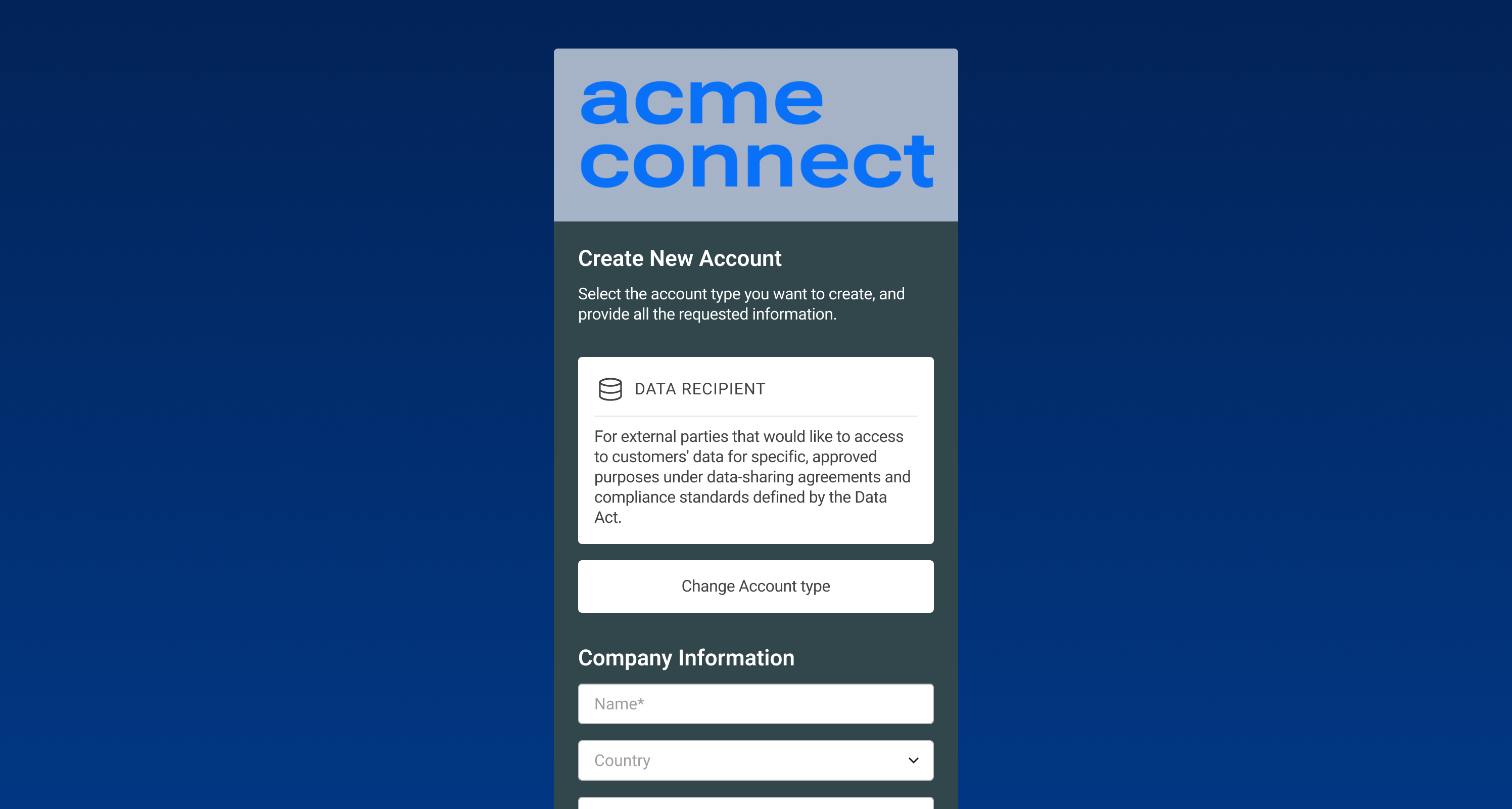
During the registration process, they must:
- provide the required information
- accept the terms and conditions
Before accessing the DPS, Data Recipients must be approved by you, which may:
- review the information provided by the Data Recipient (e.g., company, contact information, country).
- approve or reject the request.
- if approved, authorize access to specific customers to download their raw data.

Data Access
When approved, Data Recipients can access their dedicated view and start downloading authorized raw data via API or the Data Export widget.
The role of Servitly’s Configuration Console
The Data Act portal is built using components and features that are natively available in Servitly. In particular, within the Console you will find:
- the Data Recipient user type for Data Recipients, along with a predefined View tailored to their role and permissions;
- the predefined Data Management page, where DPS users can securely download the data they are authorized to access;
- the Data Recipient account type that can be enabled on the User Onboarding page;
- a new way to define User Agreements that can be tailored for data recipients;
- the Raw Data metric, which can be used to group all Raw Data metrics shared with Data Recipients.
The No-Code Console enables you to configure your portal according to your needs, ensuring autonomy and control.
Learn more by seeing Servitly in action.
Requesto a demo.
-2.png)


